What Is Marketing Automation and How Does It Work for Small Business?
Most small business owners are doing marketing automation already. They just call it "the stuff I keep forgetting to do."
The follow-up email you meant to send the lead from last Tuesday. The review request you never got around to. The text reminder that would've saved the no-show appointment. Marketing automation is simply software doing those things for you, every time, without you remembering. That's the whole idea, and for a small business it can be the difference between leads slipping through the cracks and a system that quietly closes them while you work.
Here's how it actually works, what it costs, and whether your business is ready for it.
What Marketing Automation Actually Means
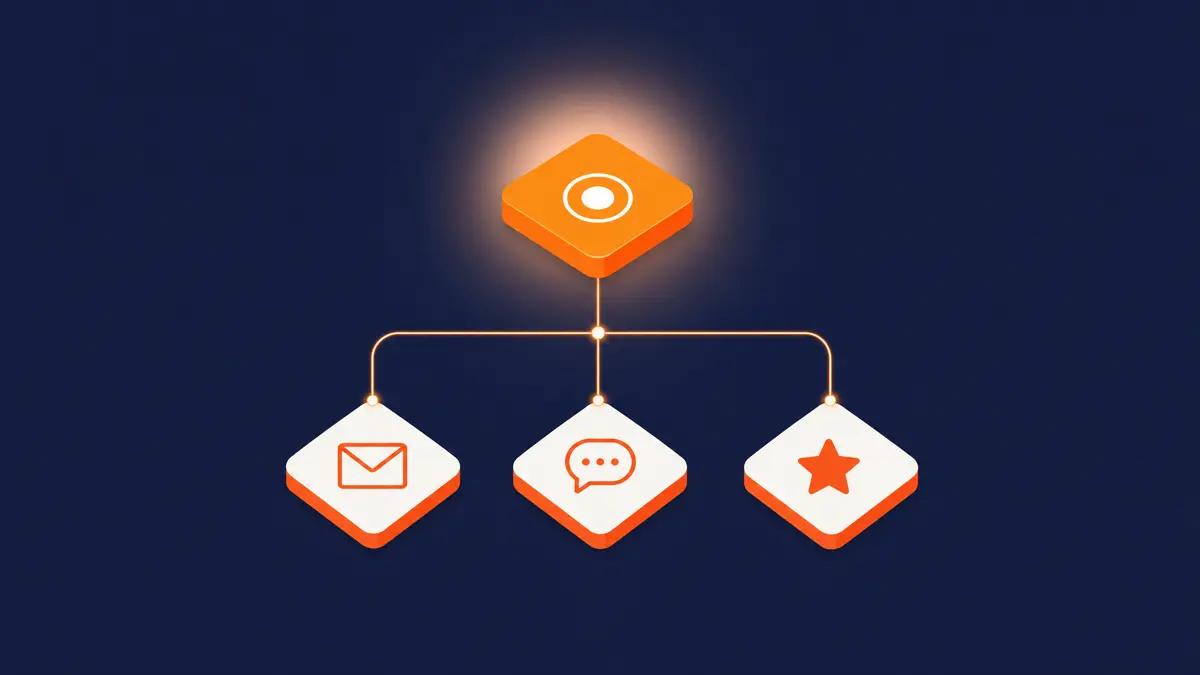
Marketing automation is software that runs your repetitive marketing and follow-up tasks on autopilot, triggered by what a customer does. Someone fills out a form, and the system instantly emails them. A lead goes quiet, and it sends a nudge three days later. A job wraps up, and it texts the customer a review request. You set the rules once; the software runs them forever.
The point isn't to replace the personal touch. It's to make sure the touch actually happens. A human gets busy and forgets to follow up on day three. Software never forgets. And in a business where speed-to-lead decides who wins the customer, never forgetting is worth a lot.
The Core Pieces, in Plain English
Strip away the jargon and marketing automation comes down to a few building blocks.
Triggers
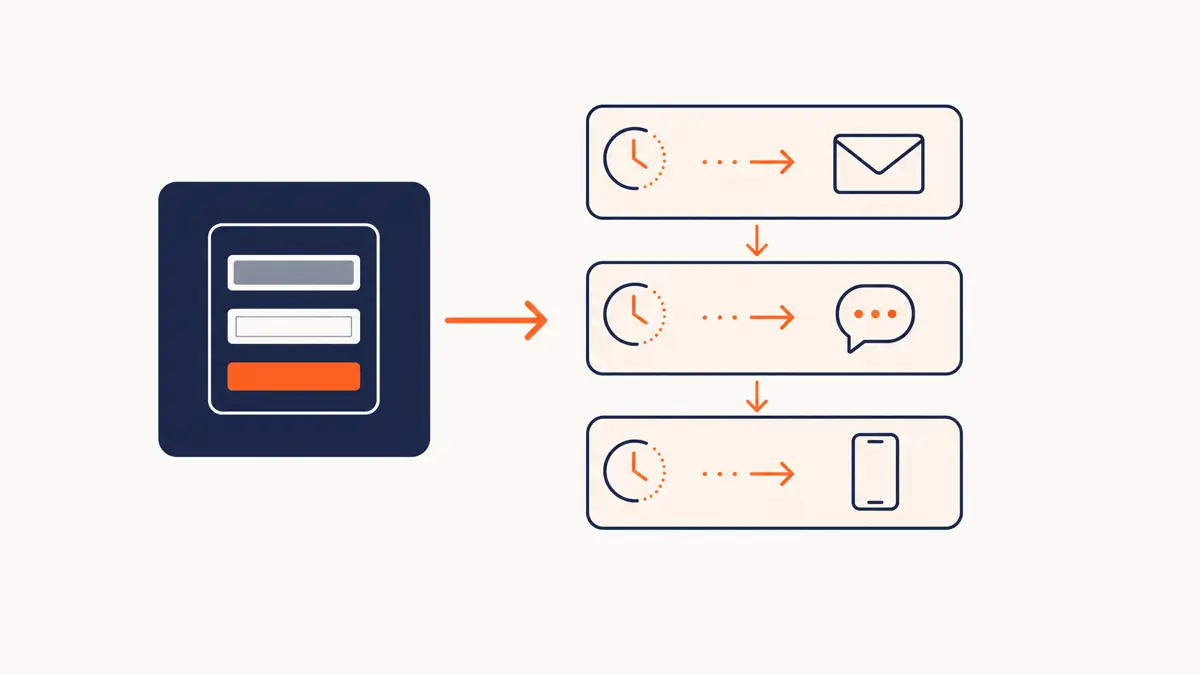
The "when." A trigger is the event that kicks off an action: a form submission, a missed call, a purchase, a date on the calendar, a link click. Triggers are what make automation feel responsive instead of robotic.
Workflows
The "then." A workflow is the sequence that fires after a trigger. New lead comes in, then send a welcome text immediately, then email a day later if they haven't booked, then alert you to call if they go quiet for a week. One trigger, a chain of timed actions.
The database (your CRM)
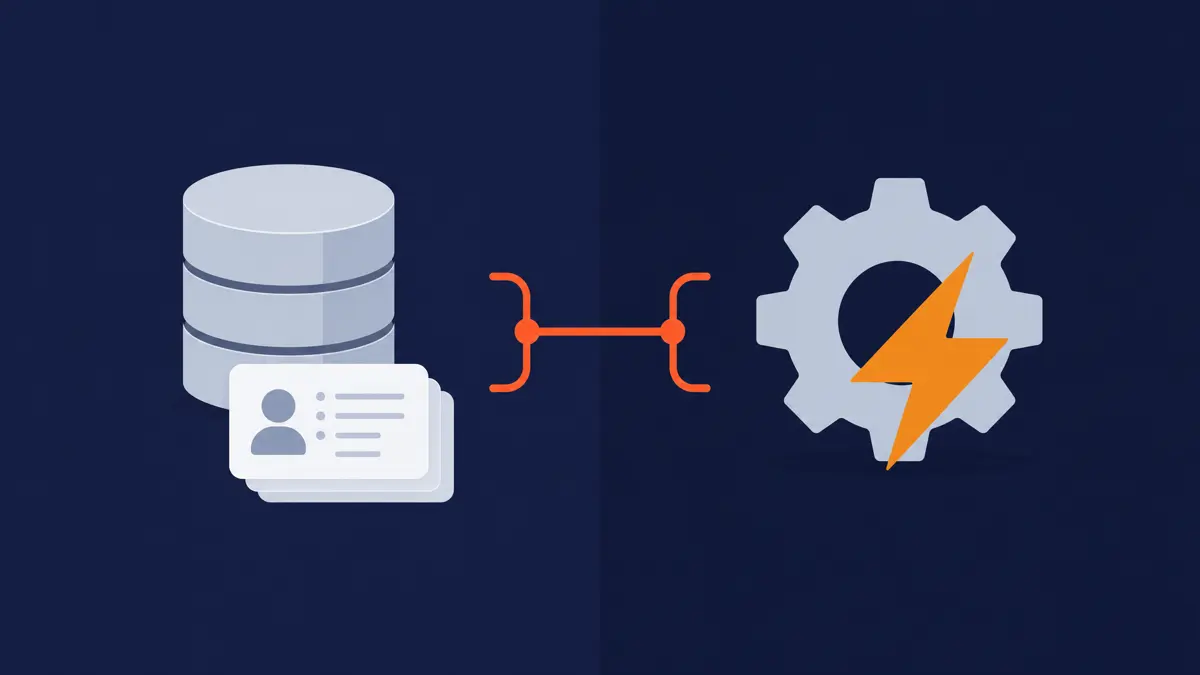
The memory. Automation needs somewhere to store who your contacts are and what they've done. That's your CRM, and it's the engine underneath everything. A good CRM and automation system ties the contacts, the triggers, and the workflows together so the whole thing runs as one machine instead of a pile of disconnected tools.
What It Looks Like in a Real Small Business
Concrete beats abstract. Here's automation doing real work for a typical service business.
| The trigger | What automation does | Why it matters |
|---|---|---|
| New lead fills out a form | Instant text + email within 60 seconds | Speed-to-lead: the first responder usually wins the job |
| Lead doesn't book in 2 days | Automatic follow-up sequence | Most sales happen after several touches, not the first |
| Appointment booked | Confirmation + reminder texts | Cuts no-shows dramatically |
| Job completed | Review request sent automatically | More reviews without you ever asking in person |
| Customer goes quiet for 90 days | Re-engagement offer | Wins back business you'd otherwise lose |
None of this requires you to do anything after setup. The system watches for the triggers and runs the plays. You just get the booked appointments, the reviews, and the won-back customers.
Marketing Automation vs. a CRM: What's the Difference?
People use these terms interchangeably, but they're not the same thing, and the distinction matters when you're choosing software.
Your CRM is the database: the record of every contact, deal, conversation, and history. It's where the information lives. Marketing automation is what acts on that information: the triggers and workflows that do things. The best small-business setups combine them, because automation without a CRM has no memory, and a CRM without automation is just a fancy address book you still have to work manually.
If you're choosing the right CRM for your business, you really want both in a single platform. Juggling a separate CRM, email tool, texting tool, and scheduler is how things break. An all-in-one system means a lead's form fill, follow-up, booking, and review request all happen in one connected flow, and you can actually track which leads turn into customers instead of guessing.
What Does It Cost?
For a small business, marketing automation software typically runs anywhere from $50 to $300+ a month for the platform itself, depending on features and contact volume. That's the tool. The bigger variable is setup: building the workflows, writing the sequences, and connecting it to your forms and calendar.
You can do that setup yourself if you're handy and have the time; the platforms are built to be usable. Where most small businesses get value from help is the strategy layer, deciding which workflows actually move the needle, writing sequences that sound human, and wiring it all together correctly the first time so it doesn't quietly misfire. The software is cheap. The leads it saves are not.
Is Your Business Ready for It?
Honestly, not every business needs automation on day one. Here's the quick gut check.
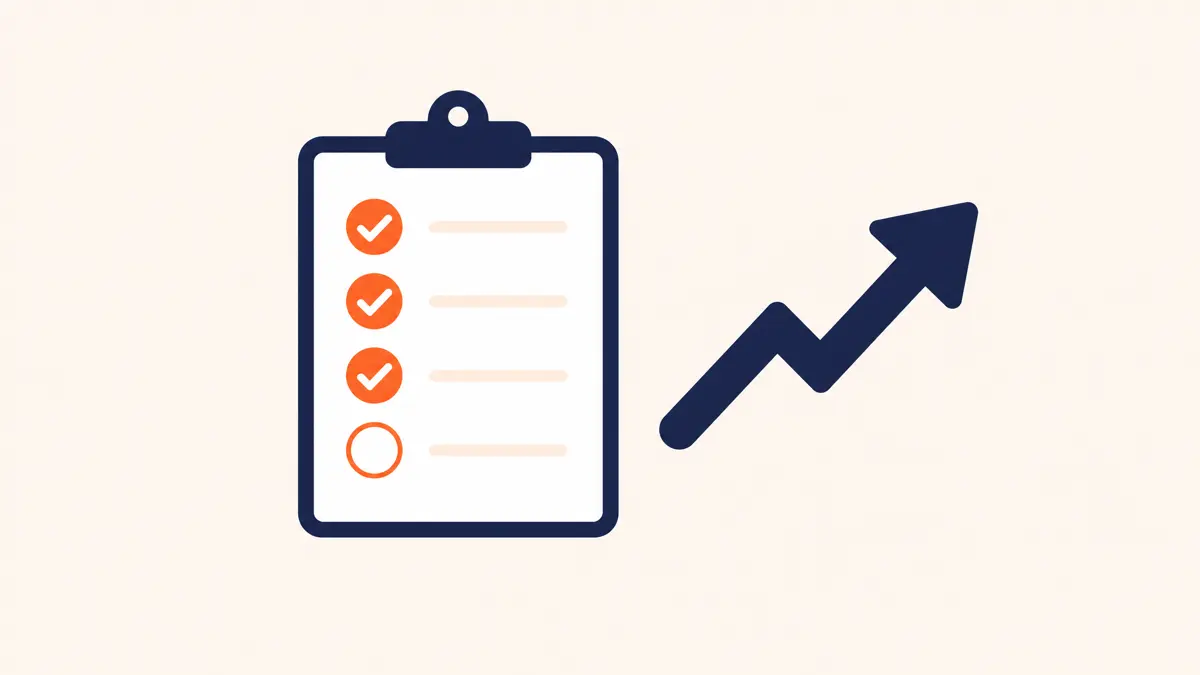
You're ready if: you're generating leads faster than you can reliably follow up by hand, you're losing some to slow response or forgotten follow-up, and you have a repeatable sales process worth automating. If leads are falling through the cracks, that's the signal.
You can wait if: you're pre-revenue, still figuring out your offer, or getting so few leads that you genuinely follow up with every one personally. Automating a process you haven't nailed down yet just bakes in the mess. Get the process right by hand first, then automate it.
The tell is simple: the moment "I'll follow up later" starts costing you real money, you're ready.
The Bottom Line
Marketing automation isn't some enterprise luxury. For a small business, it's the system that makes sure the follow-up, the reminders, and the review requests actually happen, every single time, while you're busy doing the work. The software is affordable. The real value is in never again losing a customer because a task slipped your mind.
If you're at the point where leads are coming in faster than you can chase them, that's exactly when a connected CRM and marketing automation setup pays for itself. The hard part isn't the software, it's designing workflows that fit how your business actually sells.